PocketProbe
Network diagnostics and an authorized security toolkit for iPhone and Apple Watch. No ads, no tracking, no third-party SDKs.
PocketProbe is a native SwiftUI app for iOS 17 and later, with an iPad layout and an Apple Watch companion. Nothing leaves your phone unless you run a tool that reaches a host or service, and the reference and subnet tools work fully offline. Before any tool sends traffic to a host, PocketProbe asks you to confirm that you own it or are authorized to test it. The app has no password-guessing, credential-attack or brute-force features.
TestFlight beta. A TestFlight beta build is being prepared. There is no public TestFlight link yet; when there is one, it will be posted here.
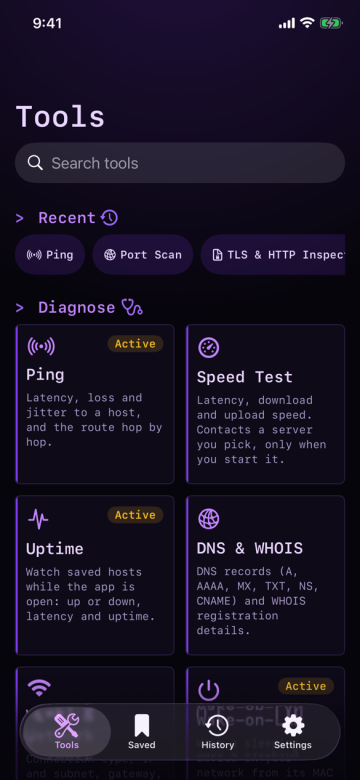
Diagnose
- PingLatency, loss and jitter to a host, using TCP connection timing, plus a route trace hop by hop.
- Speed TestLatency, download and upload with a live graph. Nothing runs until you tap Start; it contacts the server you pick (Cloudflare by default) and asks first on the first run and again on cellular.
- UptimeWatches saved hosts with a TCP connect or an HTTP HEAD while the app is open: up or down, latency, uptime percentage and outages per host.
- NTP Time CheckOne SNTP query to a server you name (pool.ntp.org by default): your device clock's offset, round-trip delay and the server's stratum.
- Mail Server CheckSMTP, IMAP and POP3 banners, capabilities, STARTTLS and certificates on one host. Read-only: it never logs in or sends mail.
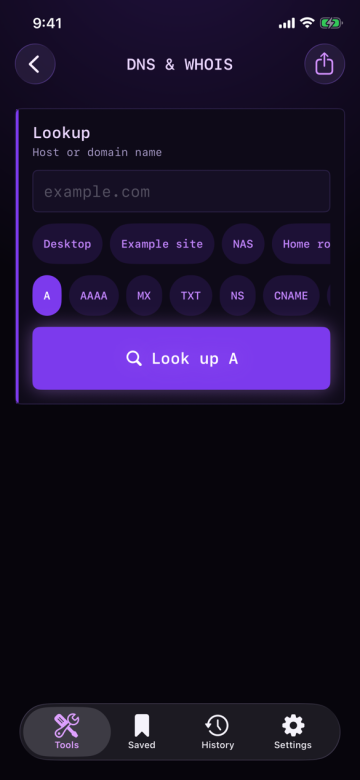
- DNS & WHOISA, AAAA, MX, TXT, NS, CNAME and PTR records, plus WHOIS registration details. DNS uses your own resolver; Cloudflare DNS-over-HTTPS is an opt-in setting, off by default.
- DNS ResolversBenchmarks public resolvers by success rate and latency and checks whether they agree on a name. Public resolvers are contacted only after a per-run disclosure.
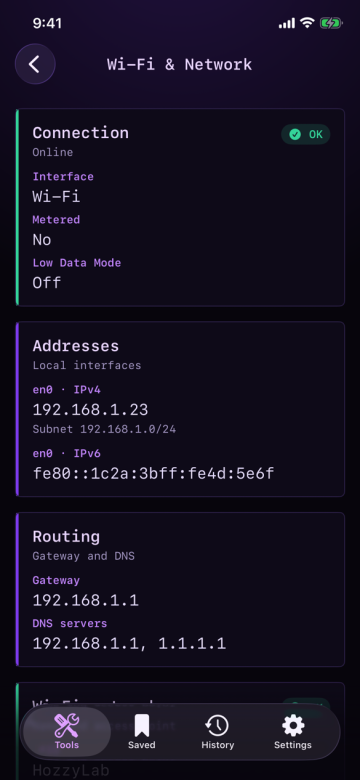
- Wi-Fi & NetworkConnection type, IP address and subnet, gateway and DNS servers. Passive: it sends nothing unless you tap Look up public IP.
- Wake-on-LANSends a magic packet to a device you saved, to wake it. The app cannot confirm that the device woke.
Reference
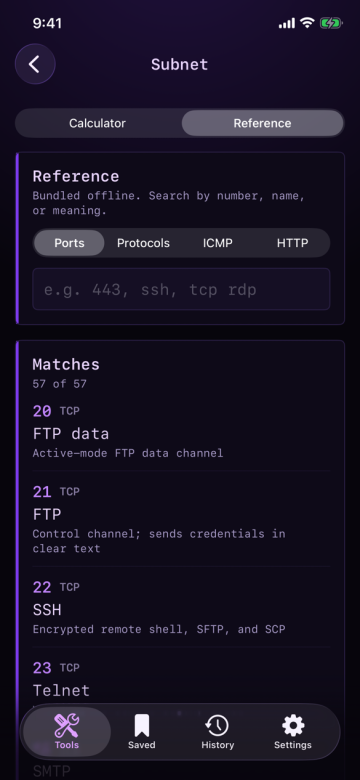
- SubnetIPv4 and IPv6 CIDR math, with port and protocol reference tables. Works offline.
Discover
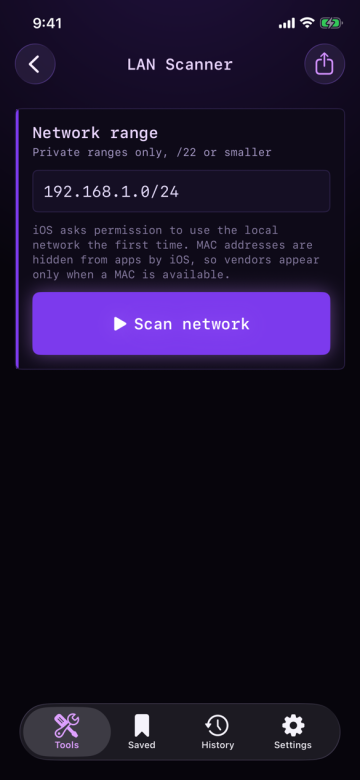
- LAN ScannerFinds devices on a private network you are authorized to test and checks common service ports. Vendor names come from a bundled offline table when a MAC address is available.
- BonjourLists Bonjour and mDNS services on your local network. UPnP/SSDP discovery is not enabled in this version.
- Bluetooth LENearby Bluetooth Low Energy devices with names, signal strength, advertised services and manufacturer data. Passive: it only listens to advertisements and never connects or pairs.
Inspect (authorized testing only)
- Port ScanFinds open TCP ports and reads service banners.
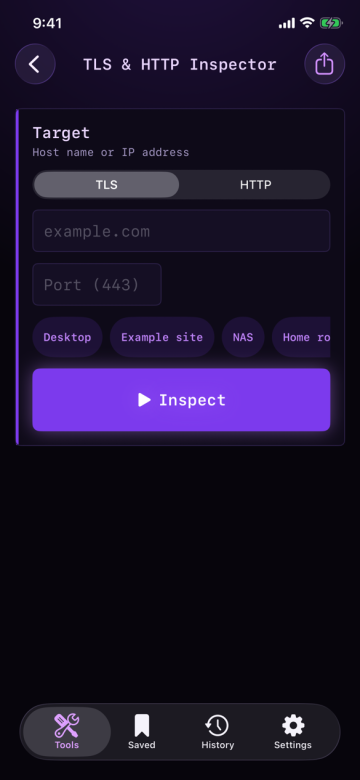
- TLS & HTTP InspectorCertificate chain, protocol and cipher, redirects, timing and a security-header grade.
- Certificate WatchlistDays to expiry, issuer and hostname match for the hosts you save. Nothing refreshes in the background, and the last results stay readable offline.
- Risky Setup AuditFlags plaintext services such as Telnet and FTP, weak TLS, exposed admin pages and out-of-support software versions. Passive: it never submits a form or logs in.
- Raw SocketConnects over TCP or UDP, sends bytes you type as text or hex, and shows every reply in a live log. Nothing is sent until you tap Send.
- SSH & SFTPA terminal or a file browser on a host you own. Every connect asks you to confirm first, and host keys are trust-on-first-use with the fingerprint shown.
- SNMPRead-only GET, GETNEXT and bounded WALK of a switch, router, NAS or server you administer, over SNMPv2c or SNMPv3 authPriv. There is no SET.
- Threat intelShodan, VirusTotal and Have I Been Pwned lookups, using your own API keys stored in the Keychain on your device. Each lookup is one tap, and the screen names the service that receives your input. Password checks use k-anonymity: only the first five characters of the password's SHA-1 hash are sent.
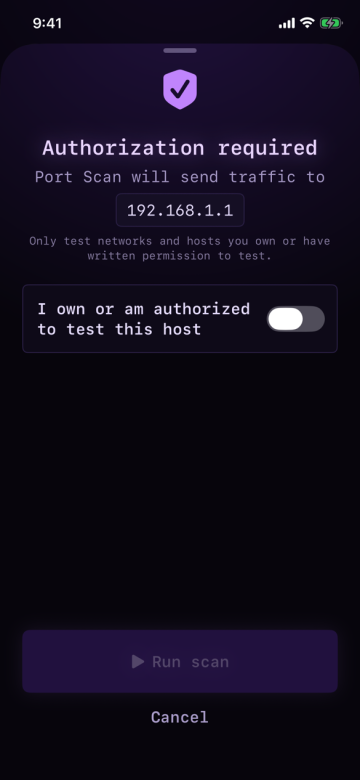
Every active scan asks first
Before any tool that sends traffic to a host runs, PocketProbe shows an authorization sheet that names the target and requires you to confirm "I own or am authorized to test this host". Use PocketProbe only on networks and hosts you own or have written permission to test.
Share results
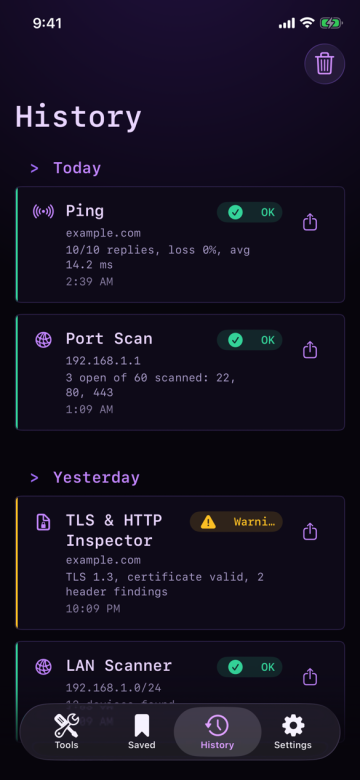
Share a tool's result as text, CSV, JSON or PDF. Exports keep each tool's details and redact passwords, tokens and API keys; SSH and SFTP sessions export no credentials or file contents.
Shortcuts and Siri
Six App Intents work from the Shortcuts app and Siri without opening the app: Ping Host, Check Port, DNS Lookup, Wake Device, Show Public IP and Calculate Subnet. Tools that send traffic run only against hosts you have acknowledged once in Settings > Shortcuts; a Shortcut can never grant that. Calculate Subnet is fully offline.
iPad and Apple Watch
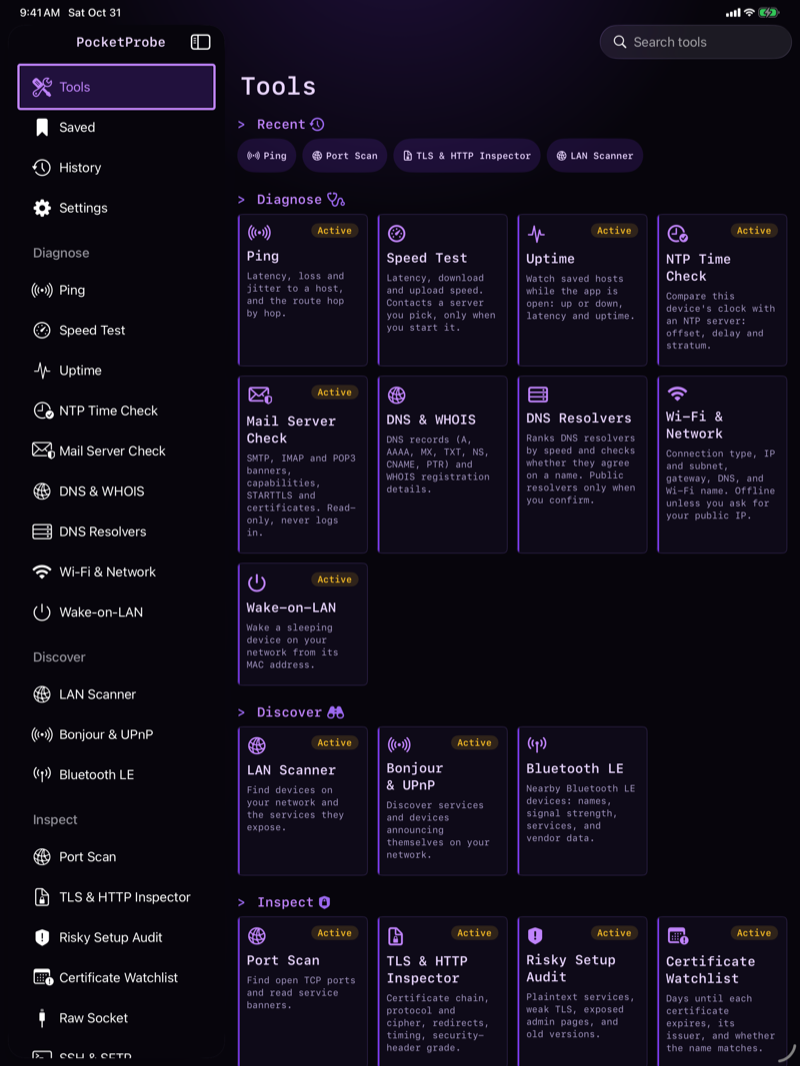
On iPad the tab bar becomes a sidebar (sections, then every tool grouped by category) beside a detail pane. The Apple Watch companion shows your public IP (looked up only when you tap), your saved hosts with one-tap TCP ping, and network status with an optional local alert that fires only while the Watch app is running. Saved hosts come from your iPhone.
Screenshots
iPhone and iPad simulator captures in dark mode with demo data.
Privacy
PocketProbe collects no data: no analytics, no advertising identifiers, no accounts. Your history, saved targets, settings and API keys stay on your device. Its App Store privacy label is Data Not Collected. A third party is contacted only when you choose to use it:
cloudflare-dns.com: Cloudflare DNS-over-HTTPS for DNS & WHOIS lookups, only while the Settings toggle is on (off by default). Sends each hostname you look up.WHOIS servers (TCP port 43): when you run a WHOIS lookup. Sends the domain you look up.api.ipify.org: only when you tap Look up public IP on iPhone, or Look up on Apple Watch. Sends an HTTPS request; the service sees your public IP address.speed.cloudflare.com or proof.ovh.net: Speed Test, only when you tap Start, after a notice naming the server and the most data it can use; it asks again on cellular. Sends timing requests, generated filler to upload and files to download, about 70 MB at most (50 MB on the download-only server); the server sees your public IP address and nothing you typed or stored.1.1.1.1, 8.8.8.8 and 9.9.9.9 (Cloudflare, Google and Quad9, UDP port 53): DNS Resolvers, only when you tap Run or Check and have agreed to that run's disclosure; the System resolver is your device's own DNS. Sends each domain name you list or check, and your IP address.api.shodan.io: Threat intel, one tap, with your own Shodan key. Sends the IP address you typed.www.virustotal.com: Threat intel, one tap, with your own VirusTotal key. Sends the domain, IP address or file hash you typed (the file itself is never uploaded).haveibeenpwned.com: Threat intel, one tap, with your own Have I Been Pwned key. Sends the email address you typed.api.pwnedpasswords.com: Threat intel password check, one tap. Sends the first five hex characters of the password's SHA-1 hash; the password itself never leaves your device.
Tools such as Ping, Port Scan, NTP, SNMP, Mail Server Check and SSH reach only the host you name. The privacy policy has the full statement.
Free core, one-time Pro
PocketProbe Pro is a one-time purchase with no subscription. Every tool is free today, and Pro unlocks nothing that the free version needs. Restore Purchases is available in the Pro screen.
Support
Questions or feedback: pocketprobe@hozzylabs.com. See the support page and terms of use.